
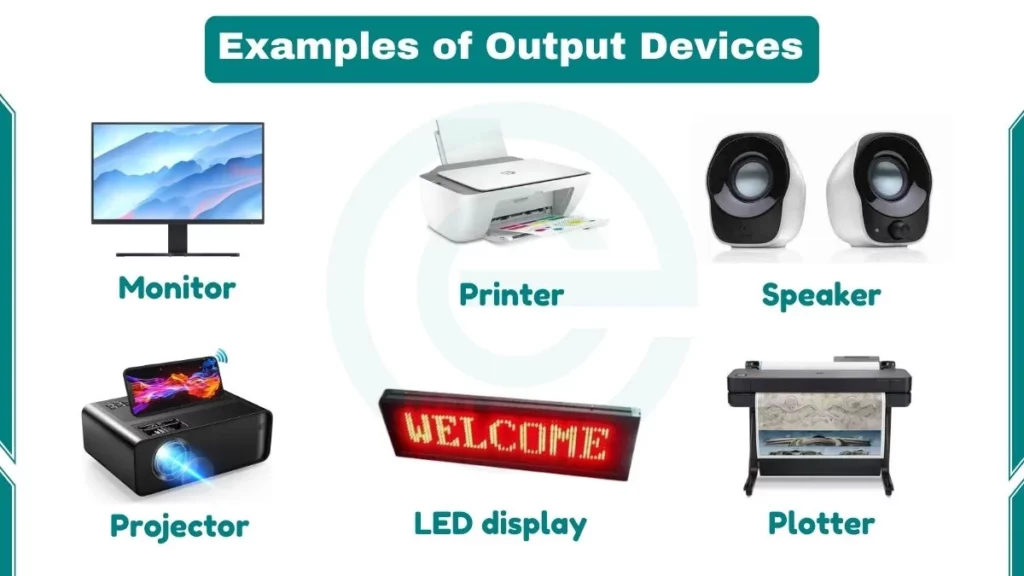
Examples of output devices include Monitors, Printers, Scanners, Fax machines, Speakers, and more.
I have been teaching computer science for years. One thing I always noticed is that students could easily name a monitor or a printer. But they struggled with one simple question: what actually makes a device an “output” device? Let me clear that up first.
An output device is any hardware component that presents processed information from a computer to the user or to another system. Output can take the form of visuals, audio, physical prints, or tactile feedback.
Output Devices Examples
The following are examples of output devices:
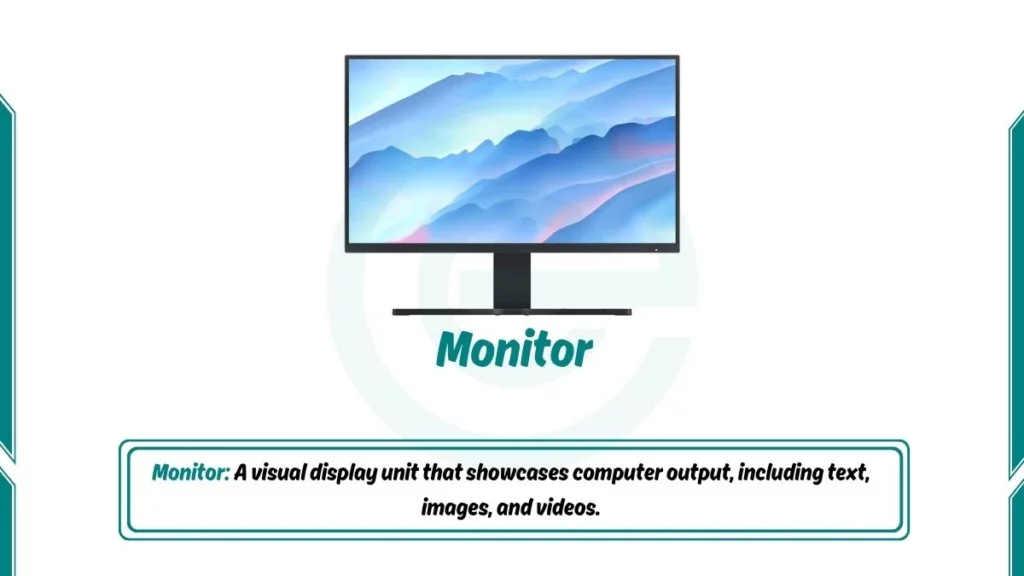
1. Monitor
A monitor or computer screen is one of the most common output devices. It displays text, images, and videos generated by the computer’s graphics card. Monitors come in different sizes and resolutions. A monitor is an example of an output device because it shows you pictures, words, and videos on your computer.
Modern monitors use LCD or LED technology to display images. The screen contains millions of tiny dots called pixels. Each pixel can show different colors. When many pixels work together, they create clear pictures and text.
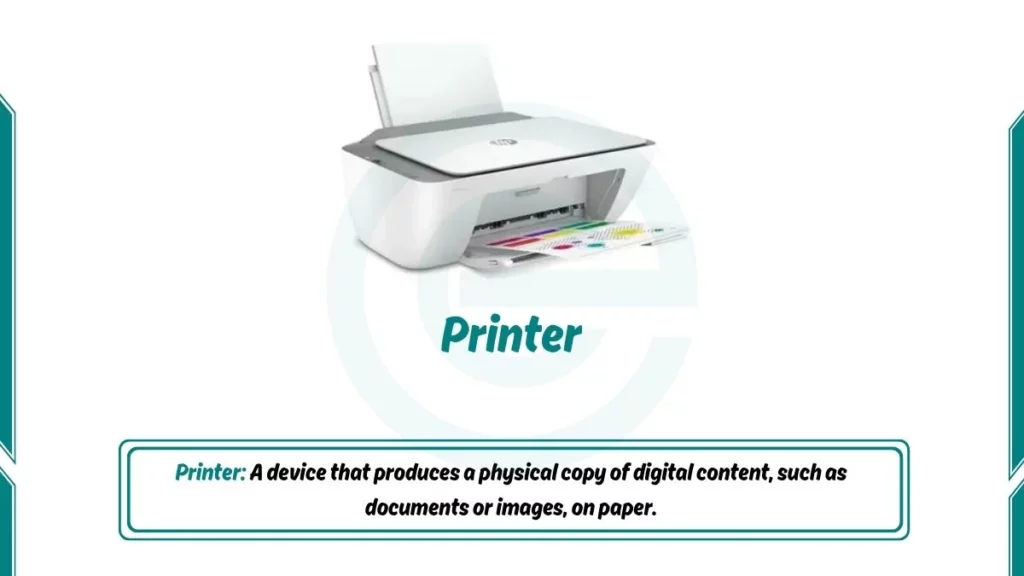
2. Printer
Printers transform digital documents into tangible (touchable) copies on paper. Whether it’s a black-and-white document or a colourful image, printers provide a physical representation of digital content. Common types include inkjet and laser printers.
A printer is an example of an output device because it takes what’s on your computer screen and puts it on paper, so you can hold it in your hands.
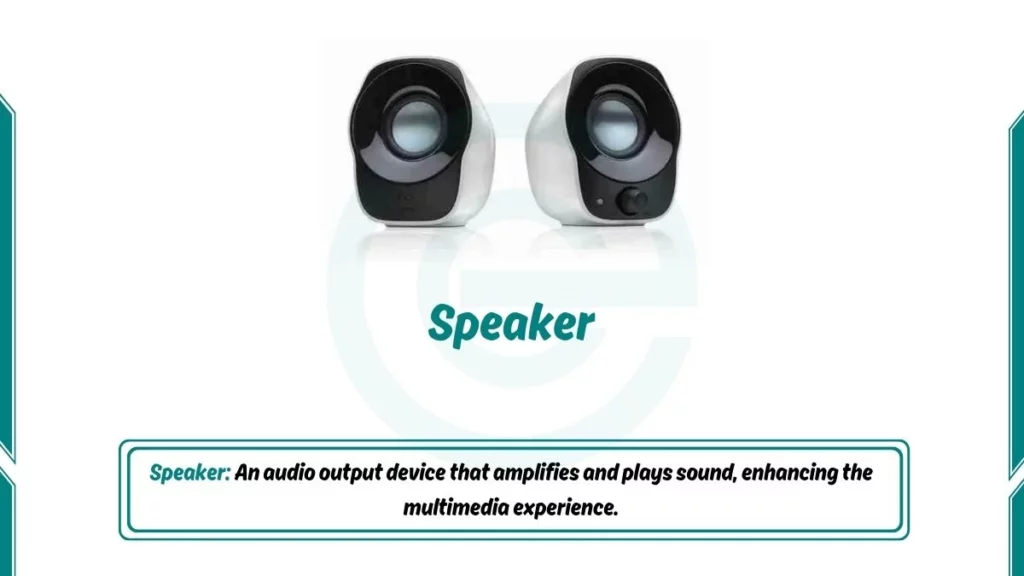
3. Speaker
Speakers are audio output devices. It produces sound generated by the computer’s sound card. They are important for multimedia experiences such as watching videos, listening to music, or participating in virtual meetings.
It is an example of an output device because speakers take the sounds from your computer and allow you to hear them. Speakers change electrical signals into sound waves. Inside each speaker, a magnet moves a cone back and forth very fast. This movement creates sound in the air.
4. Headphones
Headphones are personal audio output devices. Similar to speakers, headphones deliver audio output but with a personalized touch. They are ideal for users who want to enjoy sound privately without disturbing others. There are three main types: over-ear headphones that cover the whole ear, on-ear headphones that sit on the ear, and in-ear headphones (earbuds) that fit inside the ear.

5. Projector
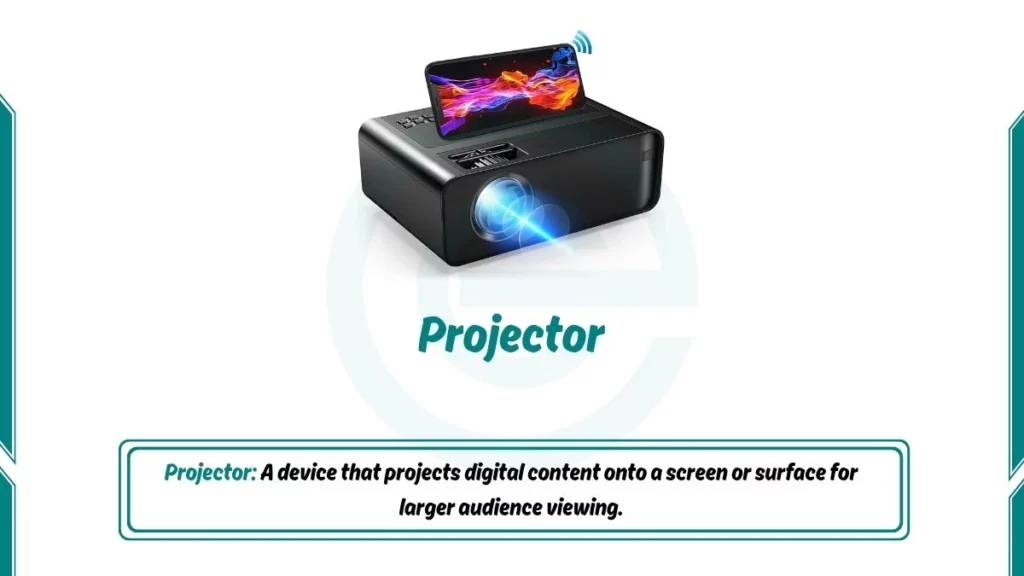
A projector is an output device that shows computer images on a large screen or wall. It takes the video signal from the computer and uses bright light to project an enlarged version. Projectors are common in classrooms, meeting rooms, and home theaters.
There are different projector technologies. LCD projectors use liquid crystal panels, while DLP projectors use tiny mirrors. Modern projectors can show high-definition video and connect wirelessly to computers.
6. Plotter
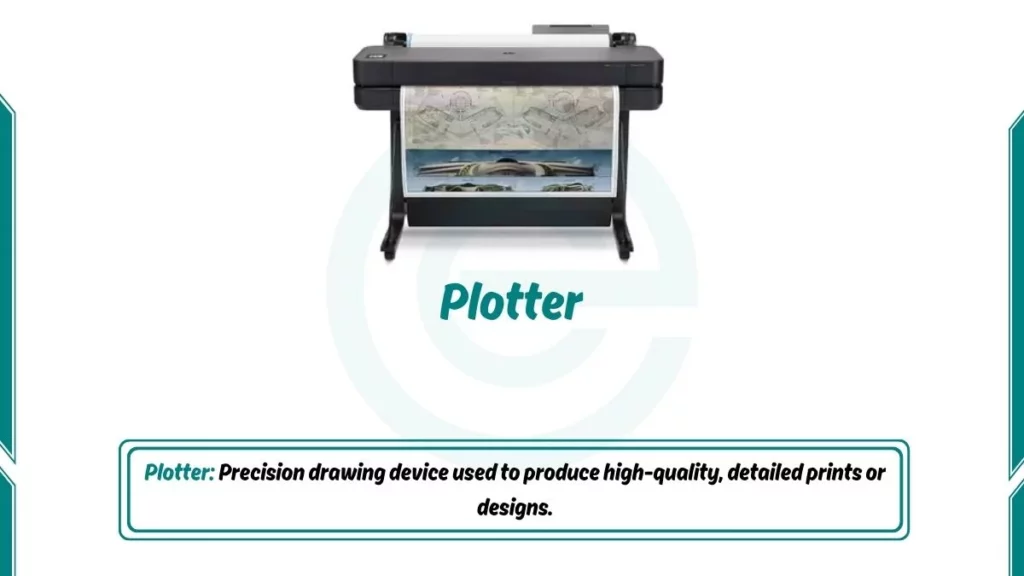
Plotters are output devices mostly used for producing high-quality, large-scale graphics and designs. Plotter is commonly used in design and architecture. It uses pens to draw intricate designs with different colours and line thicknesses.
Architects and engineers use them to print large blueprints and designs. They can handle very large paper sizes and produce accurate, detailed drawings.
7. Touchscreen
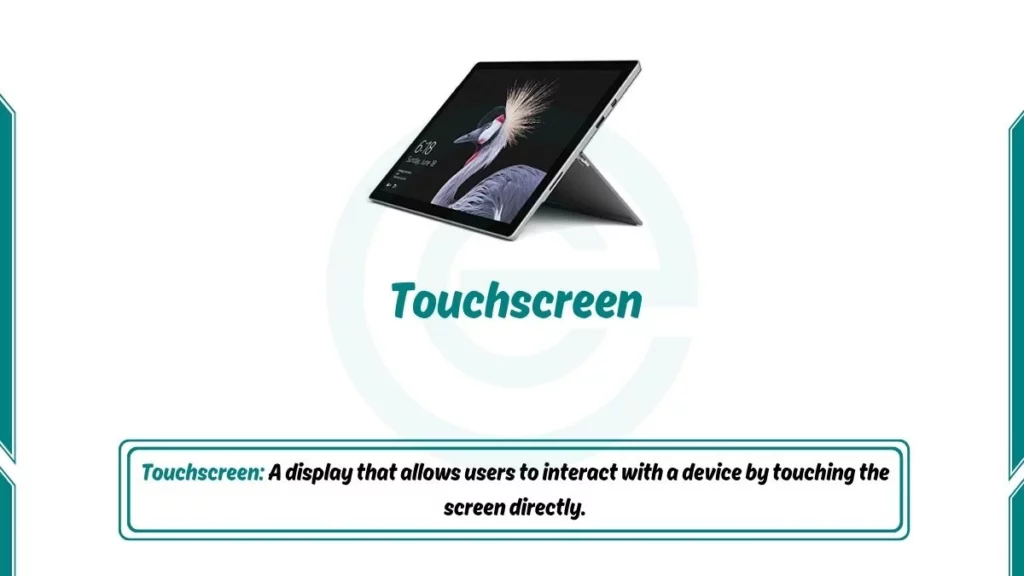
Touchscreens are interactive displays that combine input and output functionalities. It allows users to interact directly with the displayed content. They are commonly found in smartphones and tablets. Touchscreens simplify navigation and enhance user engagement.
8. LED Display
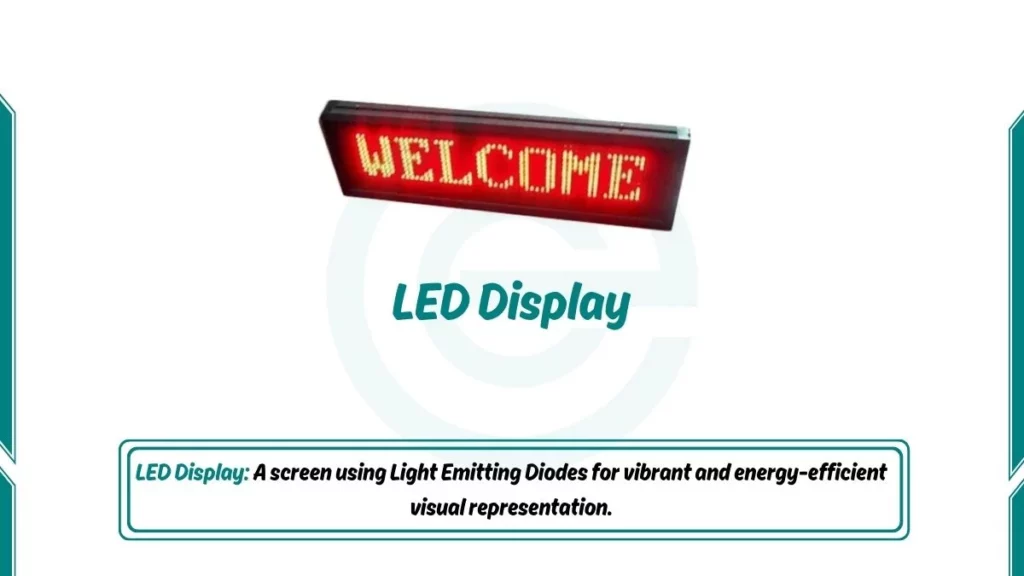
LED displays are visual output devices. They are widely used for digital signage, scoreboards, and information boards. They provide bright and vibrant visual output. This is a fancy screen that uses special lights to show bright and colourful pictures. You see them on big signs, on TVs, and sometimes on the sides of buildings.
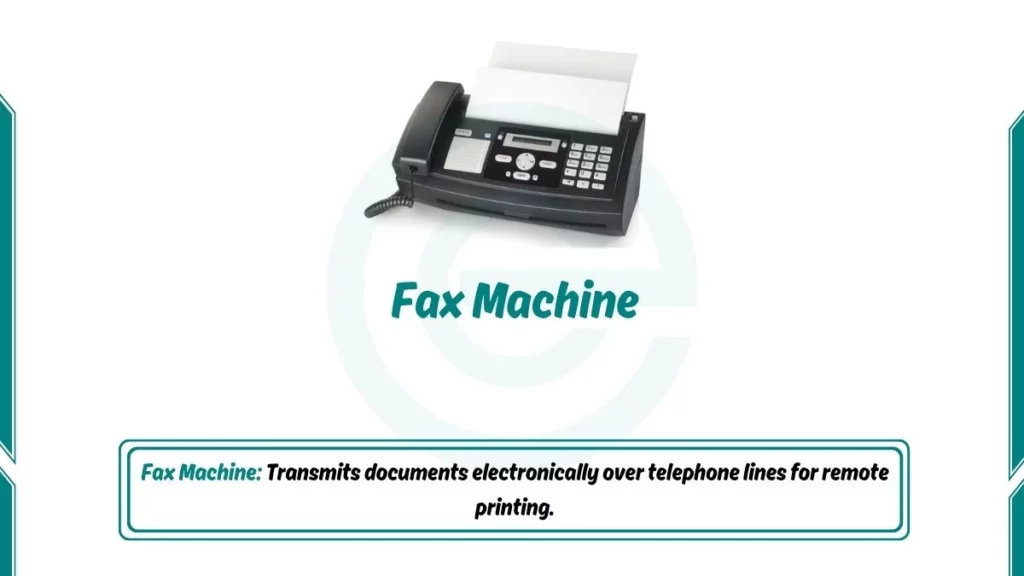
9. Fax Machine
Fax machines remain output devices that transmit printed or scanned documents. Fax machines send and receive printed documents over phone lines. Though less common today, some businesses still use them for sending signed documents quickly. The machine scans a paper document, converts it to electronic signals, and another fax machine prints a copy.
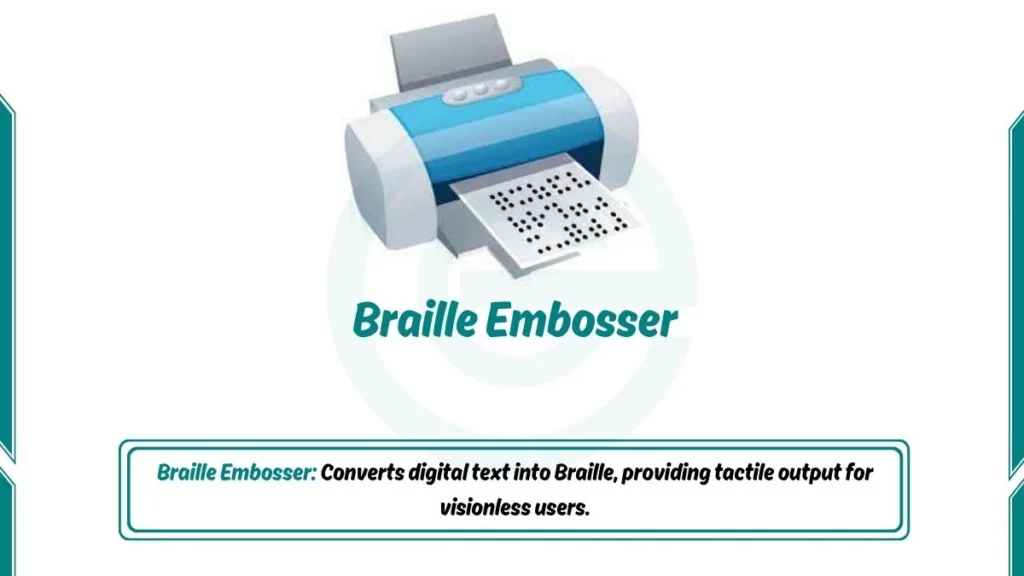
10. Braille Embosser
It is designed for the visionless. Braille embossers help visually impaired people by printing raised dots on paper. These dots form Braille letters that can be read by touch. The embosser takes text from the computer and creates physical Braille pages. This makes digital information accessible to blind users.
FAQs
What are the 5 examples of output devices?
The 5 output devices of computer are Monitor, Printer, Speaker, Projector, and Headphones.
Is a touchscreen an input or output device?
Both. As a display, it is an output device. As a touch-sensitive surface, it is an input device. This makes it an I/O (Input/Output) device. Always mention this distinction in exams for full marks.
