
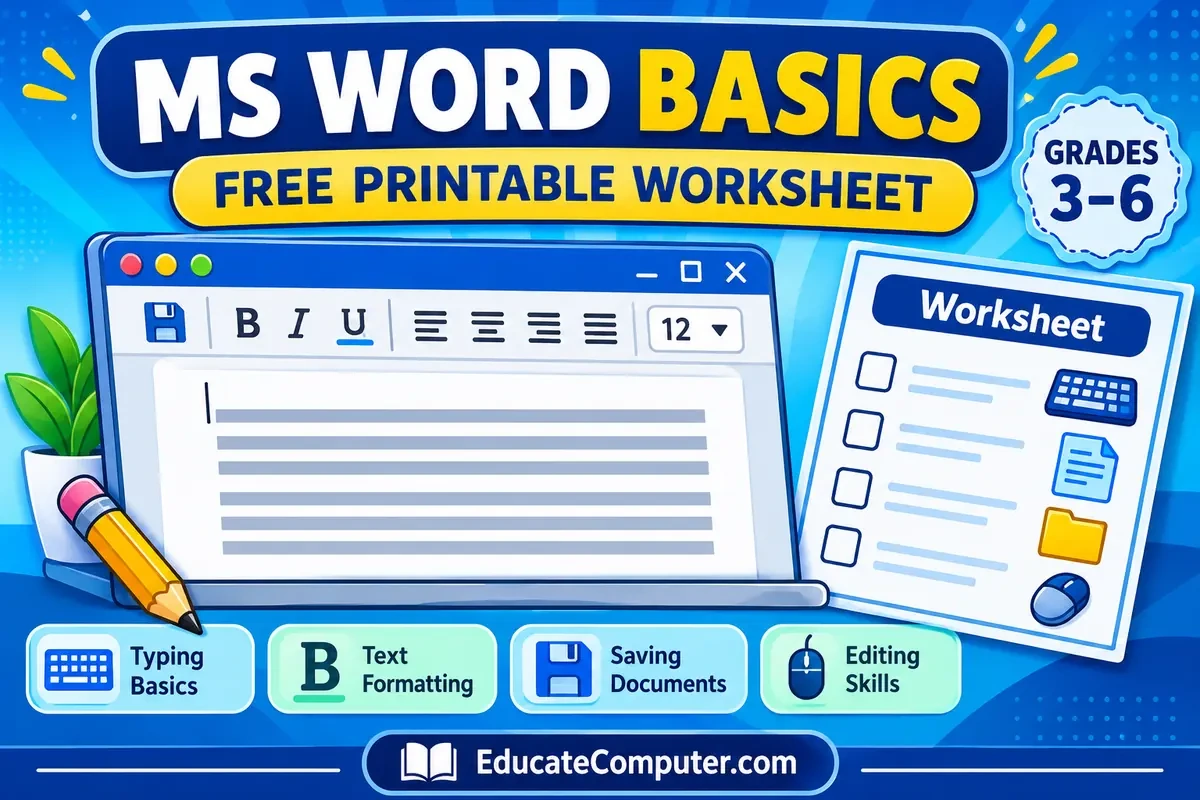
MS Word Worksheet for Grades 3–6
Help students practise Microsoft Word basics with clear questions, a visual toolbar guide, and an answer key.
⬇ Download Free Worksheet PDFPDF format • 3 pages • 20 points • Answer key included
Give your students a simple way to check their Microsoft Word knowledge. This free MS Word worksheet suits beginner learners in Grades 3–6.
This three-page MS Word worksheet helps Grades 3–6 practise word processing through 18 questions. Activities include multiple-choice questions, fill-in-the-blanks, matching, true-or-false statements, short answers, and a toolbar brain teaser. A visual ribbon guide and separate answer key support independent review.
What’s Inside This MS Word Worksheet?
The PDF contains two student practice pages and one teacher answer-key page. Students complete 18 numbered questions worth 20 points.
- Section A – Multiple Choice (4 points): Students identify Word processing software, the Bold button, the cursor, and Ctrl + S.
- Section B – Fill in the Blanks (4 points): A word bank tests Title Bar, Italic, Ribbon, and Backspace.
- Section C – Match the Columns (4 points): Students connect Underline, Enter, Font Size, and Spacebar with their functions.
- Section D – True or False (4 points): Learners check facts about font color, Ctrl + Z, text selection, and inserted objects.
- Section E – Short Answers (2 points): Students name two document types and explain why saving matters.
- Bonus Brain Teaser (2 points): Students identify Bold, Italic, and Underline from a styled heading.
The first student page also shows a visual guide to the Home Ribbon and Quick Access Toolbar. It highlights Save, font style, font size, Bold, Italic, Underline, and Font Color.
Skills and Learning Outcomes
This beginner computer worksheet builds practical word-processing knowledge. Students practise these skills:
- Word processing: Explain how Microsoft Word helps users create and edit documents.
- User interface recognition: Identify the Ribbon, Title Bar, cursor, and common toolbar buttons.
- Text formatting: Recognize Bold, Italic, Underline, font size, and font color.
- Keyboard skills: Recall Ctrl + S and Ctrl + Z, plus Enter, Spacebar, and Backspace.
- Digital work habits: Explain why users save documents before closing Word.
- Reading and recall: Match commands with functions and judge simple statements.
How to Use This Worksheet Effectively
Use the worksheet after a short Microsoft Word demonstration. These steps help students connect each question with a real computer task.
- Show the Word window: Point out the Title Bar, Ribbon, document area, and cursor.
- Demonstrate formatting: Type a short heading and apply Bold, Italic, Underline, and font color.
- Practise keyboard commands: Let students test Ctrl + S and Ctrl + Z on a sample document.
- Print the student pages: Give learners time to complete all five sections and the bonus task.
- Review the answer key: Check the final page together and discuss any incorrect answers.
- Try a practical task: Ask each student to create and save a short story or school notice.
For extra revision, pair this activity with our Computer Basics Worksheet. Students can also review the Parts of a Computer Worksheet and the Input and Output Devices Worksheet.
Who Should Use This Printable MS Word Worksheet?
This worksheet suits Grades 3–6 students who are starting computer studies or ICT lessons. Teachers can use it for classwork, revision, homework, or computer-lab assessment. Parents can print it for extra practice at home.
Frequently Asked Questions
What is Microsoft Word used for?
Microsoft Word is word-processing software. People use it to create, edit, format, and print documents such as letters, stories, and reports.
Which grades can use this MS Word worksheet?
This printable worksheet targets beginner students in Grades 3–6. Teachers can also adapt it for other learners who need basic Word practice.
Which Microsoft Word keyboard shortcuts do students practise?
Students identify Ctrl + S as the Save shortcut and learn that Ctrl + Z undoes the last action. The worksheet also covers Enter, Spacebar, and Backspace.
Does the worksheet include an answer key?
Yes. The third PDF page contains a separate teacher and parent answer key. It includes answers and marking guidance for the 20-point worksheet.