
Keyboard shortcuts are a combination of keys used to perform different tasks. They can save time and effort by switching from the keyboard to the mouse for executing simple commands. A list of different keyboard shortcuts is given below:
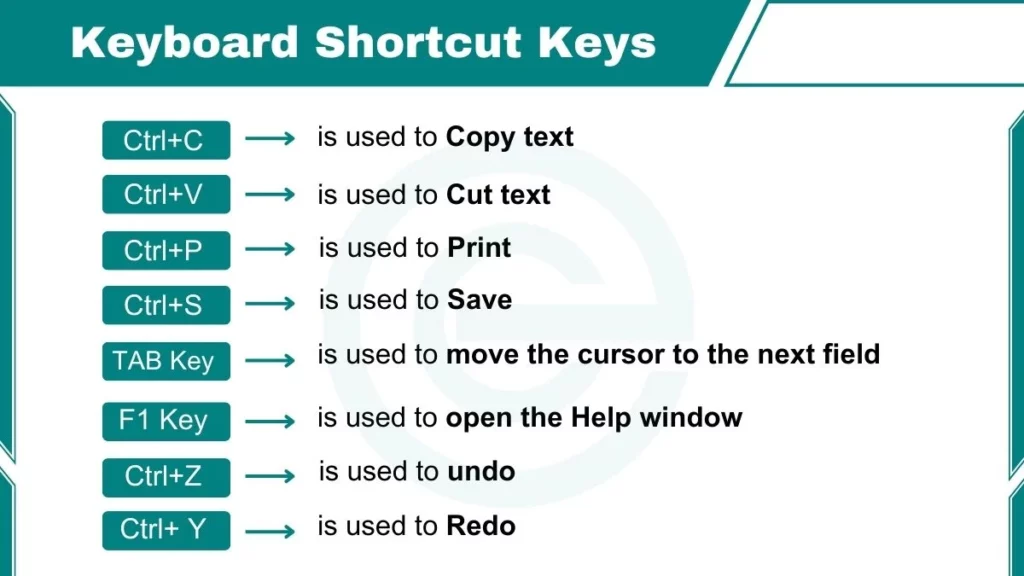
Keyboard Shortcuts for Database
Here is a list of shortcut keys for database action:
- Ctrl+O is used to open an existing database
- Ctrl+N is used to open a new database
- Shift+Enter is used to save a record
- Ctrl+P is used to print datasheets, reports, and forms
- F11 is used to display database window
- Ctrl+F is used to Find and Replace the dialog box in datasheet and form
- F1 is used to open the Help window
- F5 is used to Toggle between Form and Design view
Shortcut Key for Navigating Datasheet through a Database
- TAB Key is used to move the cursor to the next field
- Shift+Tab is used to move the cursor to the previous field
- Home key is used to move the cursor to the First field of a record
- END key is used to move the cursor to the Last field of a record
- Ctrl+Home is used to move to the First field of the first record
- Ctrl+End is used to move the Last field of last record
Keyboard Shortcuts for Editing in MS Word
Here are some shortcut keys for editing in MS Word:
- Ctrl+A is used to Select all text
- Ctrl+C is used to Copy text
- Ctrl+X is used to Cut text
- Ctrl+V is used to Paste
- Ctrl+Z is used to undo
- Ctrl+Y is used to Redo
- Ctrl+F is used to Find text
- Ctrl+H is used to Replace text
- F7 key is used to Spell checker
- F2 key is used to Toggle between edit mode and Navigation mode
- Shift+F2 is used to Open a window for editing large content fields
- ESC key is used to Switch from the current field to the current record
