Did you know that a computer cannot control hardware or run applications without system software? System software manages internal operations and provides control over hardware resources. It works silently in the background of every computing device. In this article, we discuss common examples of system software that are commonly used in computers and digital devices.
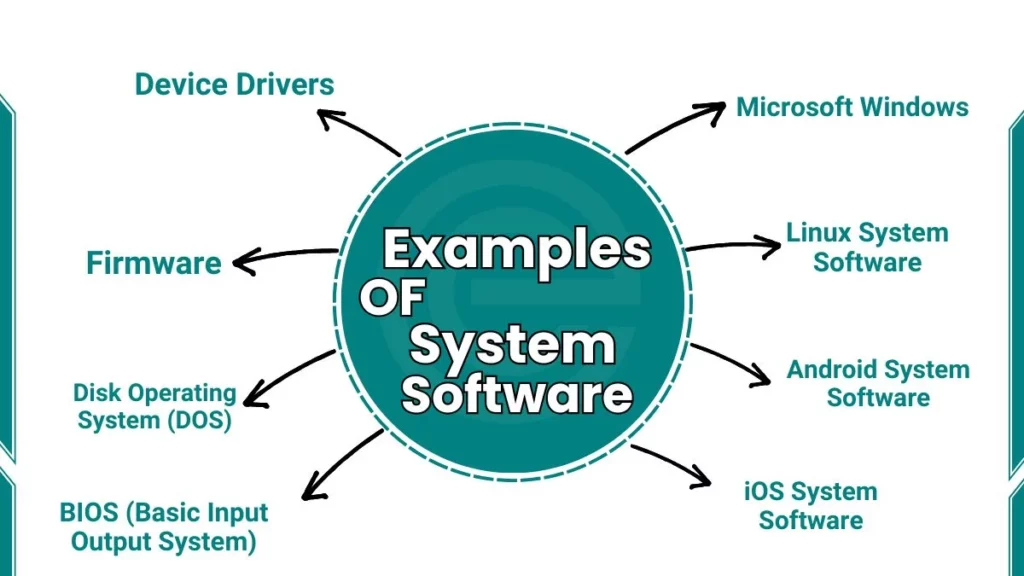
Examples of System Software
Here are list of system software examples:
1. Microsoft Windows
Microsoft Windows is a widely used system software for personal computers. It controls hardware resources and system processes. It provides an interface between the user and computer hardware. It supports the execution of various programs.
Key Features
- Controls system hardware operations
- Provides user interaction interface
- Manages memory and processor
- Supports multiple running programs
- Handles file system operations
2. macOS
macOS is system software developed for Apple computers. It manages system resources and hardware devices. It provides a stable computing environment. It supports graphical interaction and system control.
Key Features
- Manages hardware efficiently
- Provides secure system environment
- Supports multitasking
- Integrates with Apple hardware
- Controls system-level processes
3. Linux System Software
Linux is system software used in computers and servers. It manages hardware and system resources. It allows multiple users to work on one system. It supports open system development.
Key Features
- Open-source system control
- Multi-user resource management
- High system security
- Efficient process handling
- Flexible system configuration
4. Android System Software
Android is a system software used in mobile and smart devices. It controls device hardware and system services. It manages applications and memory usage. It supports touch-based system interaction.
Key Features
- Controls mobile hardware resources
- Manages application execution
- Power and battery management
- Touch-based system control
- Supports device multitasking
5. iOS System Software
iOS is system software designed for Apple mobile devices. It manages device hardware and internal services. It ensures secure system operations. It controls application behavior.
Key Features
- Secure system control
- Efficient memory usage
- Hardware-level optimization
- Application permission management
- Regular system maintenance
6. BIOS (Basic Input Output System)
BIOS (Basic Input Output System) was the standard for decades, but modern computers now use UEFI (Unified Extensible Firmware Interface). This software is the very first thing that runs when you press the power button. It wakes up the hardware and tells the Operating System (like Windows) that it’s time to start.
Key Features
- Initializes hardware components
- Performs system startup checks
- Loads system configuration
- Operates before main system software
- Stores hardware settings
7. Device Drivers
Device drivers are system software programs. They enable communication between hardware devices and the system. Each device requires its own driver. They ensure correct hardware operation.
Key Features
- Enable hardware communication
- Control device-specific functions
- Improve system compatibility
- Ensure stable hardware usage
- Required for device operation
8. Firmware
Firmware is a type of permanent system software embedded in hardware devices. It controls basic device functions. It operates at a very low system level. It starts with hardware components.
Key Features
- Stored in non-volatile memory
- Controls device startup
- Low-level hardware control
- Rarely modified by users
- Ensures device functionality
9. Disk Operating System (DOS)
Disk Operating System is an early example of system software. It manages files and system commands. It uses a text-based control method. It allows direct system control.
Key Features
- Command-based system control
- Low resource requirement
- Basic file management
- Single-task execution
- Direct hardware access
10. UNIX System Software
UNIX is system software used in advanced computing systems. It manages multiple users and processes. It controls system resources efficiently. It supports network-based operations.
Key Features
- Multi-user system control
- Strong security mechanisms
- Stable system performance
- Process and memory management
- Network support
FAQs
Are operating environments considered system software?
Yes, they are part of system software because they control hardware and resources.
How is system software different from application software?
System software controls hardware, while application software performs user tasks.
Why are device drivers necessary?
They allow hardware devices to communicate with the system.